
Orders & delivery
Order status notifications
A customer placed an order but cannot tell whether it is being processed. Routine status calls distract staff, while manually typing the same updates adds work.
Read article ↗ SIM Bridge SIMBridge
SIM BRIDGE / 40
40 practical guides, from order notifications to secure corporate integration.
A customer placed an order but cannot tell whether it is being processed. Routine status calls distract staff, while manually typing the same updates adds work.
Read article ↗
Customers need to know when to expect a courier. Promising an exact arrival time while routes are changing can create false expectations and extra calls.
Read article ↗Customers do not always read email promptly. A shop needs a short signal that an order is actually packed and ready to collect.
Read article ↗
After a move is agreed, customers need the date and arrival window in writing. Staff should not have to retype information from the order.
Read article ↗Dispatch knows about a delay while the customer still expects the old time. The update should contain confirmed information rather than an unsupported prediction.
Read article ↗In a store network, a message from another branch’s number can confuse customers. Pickup location, phone and opening hours should come from one source.
Read article ↗
After handing in a return, customers may not know whether inspection is complete. Ordinary SMS is not the place for unnecessary payment details.
Read article ↗A dispatch update should follow a real handover to the courier. Printing a shipping label does not prove that goods left the warehouse.
Read article ↗When a customer cannot receive an order, sending one update is not enough to reschedule. Replies need to reach both your system and the responsible person.
Read article ↗Old jobs may still be waiting for the phone after an order is cancelled. Customers should not later receive a pickup-ready message for that order.
Read article ↗
A customer booked ahead and may forget the visit. A reminder should reflect the current booking rather than an old copy of the schedule.
Read article ↗
After repairs, customers need a clear signal that their vehicle can be collected. Starting work is not the same as confirming completion.
Read article ↗
A customer is waiting for a technician while assignments may change. Notifications should follow the team’s confirmed schedule.
Read article ↗Customers may forget the collection date. A notification is useful only after processing is complete and the order is available for pickup.
Read article ↗An old reminder may remain queued after the date changes, giving the customer two conflicting messages.
Read article ↗
Customers reply to notifications, but messages stay on an employee’s phone. Support needs a shared case history.
Read article ↗A service company needs notifications tied to a ticket and responsible employee. A generic message without a contact makes replies harder.
Read article ↗After submitting a form, a customer may not know whether a case was created. A confirmation needs a real case reference.
Read article ↗A return reminder needs to reflect rental extensions. Otherwise, customers receive messages with an obsolete date.
Read article ↗Staff need to know whether the customer accepted a proposed time. Sending an SMS is not itself appointment confirmation.
Read article ↗
A CRM knows the order and customer, but a phone needs a separate secure job channel. Do not expose the API key to the user’s browser.
Read article ↗A service hosting several businesses needs to know which phone sends each order’s message. A company name alone is not access control.
Read article ↗Your CRM user wants to add a work phone without entering the SIM Bridge admin area. Pairing needs a one-time code, not a shared device secret.
Read article ↗An API response shows a job was created, not the final result. Your CRM needs a separate stream of status changes.
Read article ↗The network can fail after a job is created but before the response arrives. Retrying an ordinary request can create another message.
Read article ↗A notification key does not always need device or webhook management. Broad permissions make a leaked key more damaging.
Read article ↗A shared message history makes it hard to find one order’s messages. SMS text should not be the only matching method.
Read article ↗A successful HTTP call does not prove an integration is ready. Test the entire path from business event to phone result.
Read article ↗A webhook carries external text. It is not a trusted command, HTML fragment or instruction for a system operator.
Read article ↗A key expires or needs replacement while order notifications must continue. The cutover sequence matters.
Read article ↗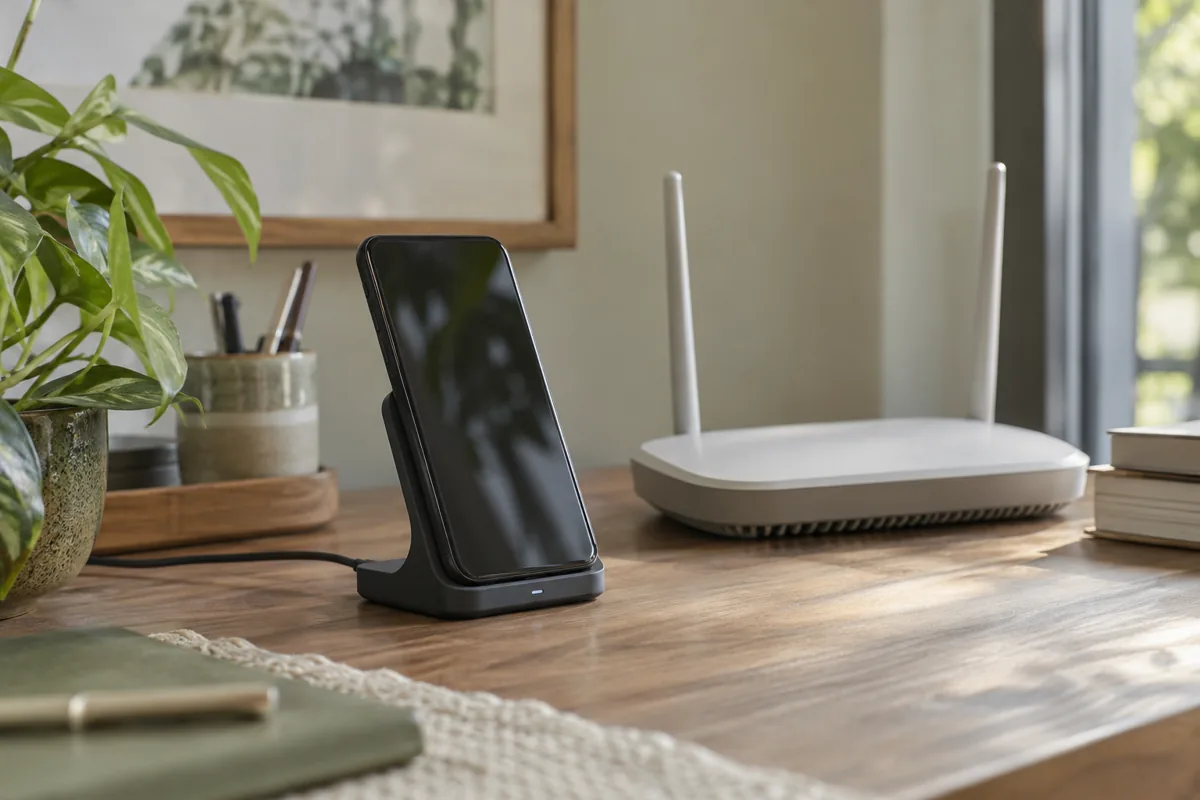
Android and manufacturer settings can restrict background apps. If opening the app restores connectivity, check phone settings as well as the server.
Read article ↗A work phone may serve both an employee and the gateway. For regular notifications, check power, connectivity and permissions in advance.
Read article ↗The server can accept SMS while a phone is unavailable. Queuing waits for connectivity; it does not make the message instantly sent.
Read article ↗The phone may receive a job but fail to acknowledge the result in time. You cannot confidently say it was sent or not sent.
Read article ↗Service quota counts messages, but a carrier can bill long text as multiple segments. Characters used also affect segmentation.
Read article ↗A new phone gets a different deviceId. If the CRM keeps the old mapping, jobs will not reach the intended device.
Read article ↗An integration can hit its monthly quota during the working day. A limit error should not turn into endless repeated requests.
Read article ↗SMS history contains phone numbers and potentially personal information. Access should match an employee’s actual duties.
Read article ↗After a restart, verify that an enabled gateway resumes. Manufacturer settings can change normal Android behaviour.
Read article ↗Before adding many businesses, test a limited workflow. A pilot can expose routing and background-connectivity errors without unnecessary messages.
Read article ↗40 / 40
Start with Free and test one workflow on your Android.