From your own number
Send SMS through your connected Android phone and keep a familiar point of contact with customers.
 SIM Bridge SimBridge
YOUR NUMBER. YOUR SIM.
Send SMS from your CRM through your Android. Keep replies together and find what matters with Dot.
250 SMS/month · 1 phone · No credit card
SimBridgeHTTPSYour order is ready.
10:24 · Delivered ✓✓Thank you!
10:25Illustration, not live messages
BUILT AROUND YOUR BUSINESS
Messages go through your carrier. Customers see your work number and can reply to it.
Send SMS through your connected Android phone and keep a familiar point of contact with customers.
Receive incoming SMS and status changes through signed webhooks with delivery retries.
HTTP API, separate access keys and company isolation. Connect your CRM and your own services.
Connect one company with read-only access. Ask Dot to find payment reminders, order updates and other important messages.
How to connect Dot Starter · Pro · ScalePlease pay order #7421 by 12 April.
SMS · 10:18Find payment deadlines
MADE FOR EVERYDAY BUSINESS
Start with one useful workflow. Connect your own system when you are ready.
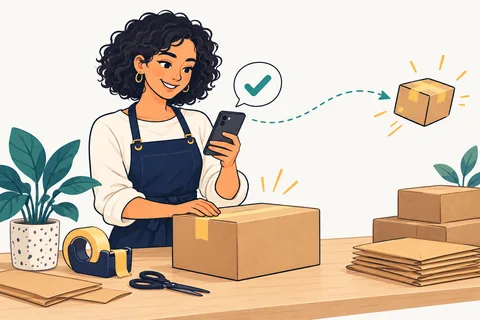
Keep customers informed from the number they already know.
Explore the workflow
Send appointment reminders and keep customer replies together.
Explore the workflow
Ask Dot to find the important details in your company’s SMS.
Meet the Dot integrationService illustration
FROM PHONE TO FIRST MESSAGE
Sign in with Google or Facebook and get a separate workspace for your devices and messages.
Install the APK, enter a pairing code from your dashboard, and allow SMS and background operation.
Download APK ↓Send your first SMS from the dashboard or connect the API to your application.
API documentation ↗Pricing
One monthly service price. Your carrier charges for SMS according to your SIM plan.
The quota counts outgoing messages accepted by the service per calendar month (UTC). Your carrier may bill a long SMS as several segments. Unused quota does not roll over.
Free registration is open. Stripe payments for paid plans are being configured.
GO FURTHER
40 practical guides, from order notifications to secure corporate integration.

A CRM knows the order and customer, but a phone needs a separate secure job channel. Do not expose the API key to the user’s browser.
Read article ↗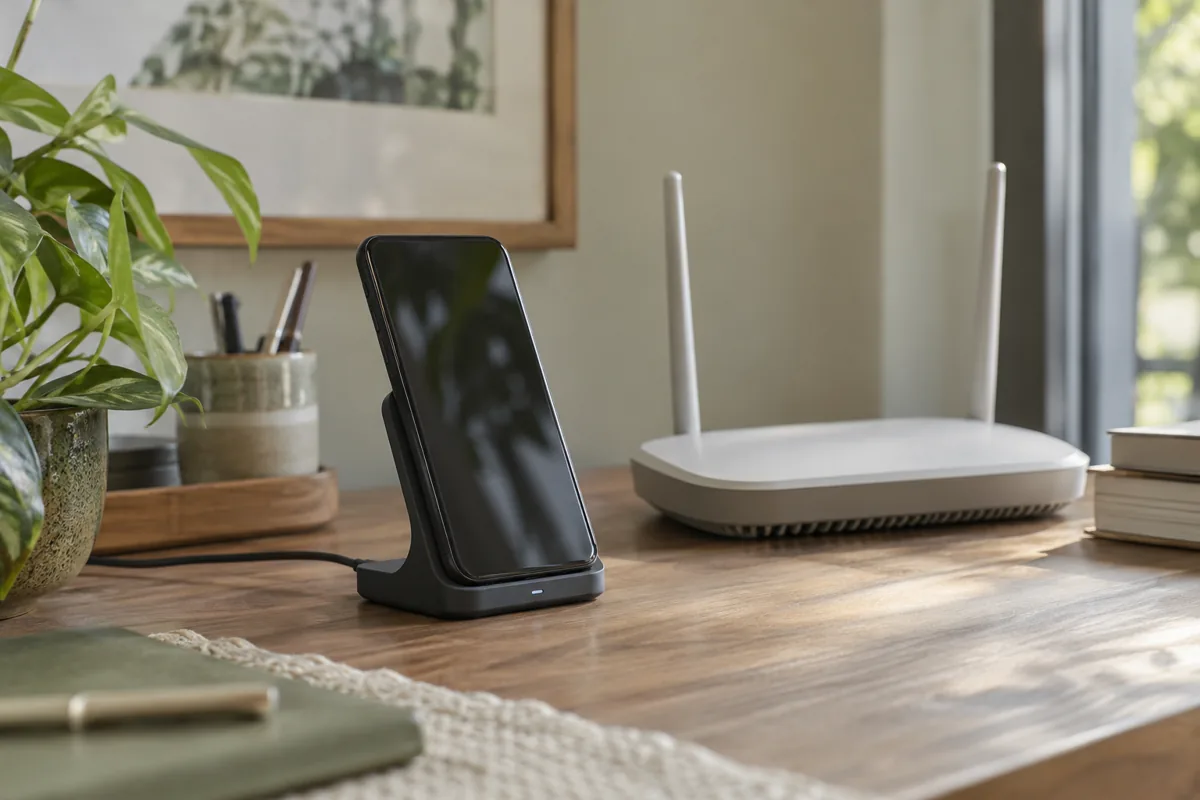
Android and manufacturer settings can restrict background apps. If opening the app restores connectivity, check phone settings as well as the server.
Read article ↗
SMS history contains phone numbers and potentially personal information. Access should match an employee’s actual duties.
Read article ↗FAQ
Yes. Sending requires an Android phone that is on, a SIM and internet access. Allow background operation and adjust battery settings.
Yes. Create an API key in the dashboard and use HTTP API to pair phones, send SMS and get statuses.
New jobs stay queued. A job already received but not acknowledged by the phone becomes unknown and is not automatically retried.
SMS history and numbers are stored on the SIM Bridge server. API keys are stored as hashes.
Start with Free and test one workflow on your Android.