Reliability
Preparing a dedicated gateway phone
Implementation scenario · This is an example implementation, not a story about a named customer. Results depend on your integration, phone, network and carrier.
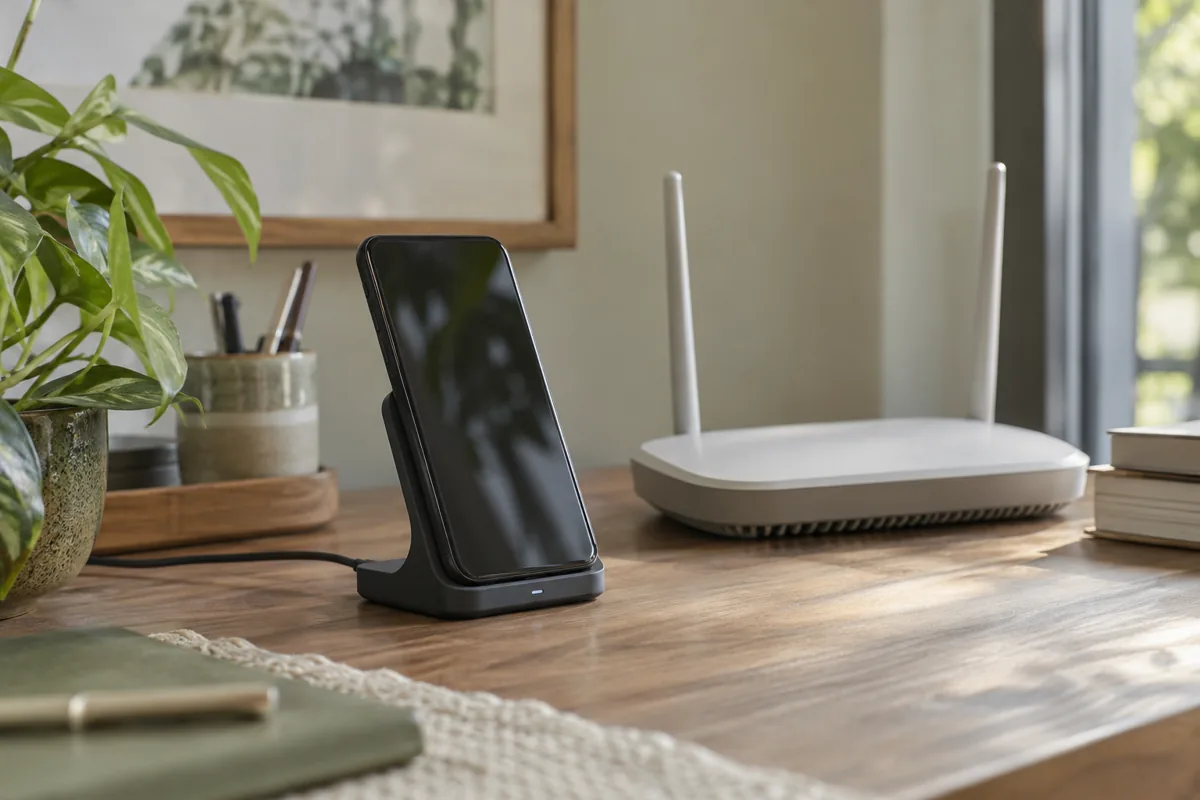 AI-generated scenario illustration
The problem
A work phone may serve both an employee and the gateway. For regular notifications, check power, connectivity and permissions in advance.
Build the solution
Choose Android 8 or later, install the current APK and give the device a clear name. Check the system’s default SMS SIM, permissions, internet and background settings. Pair with a one-time code.
Check before launch
Use a sound charger and safe location, and monitor battery condition. In-app SIM selection is not supported; the system default SMS SIM is used.
How SIM Bridge works
Your backend creates a job through the API, and the connected Android sends SMS through your SIM. Store the message ID in your system and receive status changes through a webhook. A queued job is not yet a sent message: the phone must be available and the carrier must accept it.
Start with your own test number. Check Android permissions, screen-off connectivity, retries with the same Idempotency-Key, and unknown-status handling. Keep API keys out of browser code and public repositories.