Orders & delivery
Delivery windows by SMS
Implementation scenario · This is an example implementation, not a story about a named customer. Results depend on your integration, phone, network and carrier.
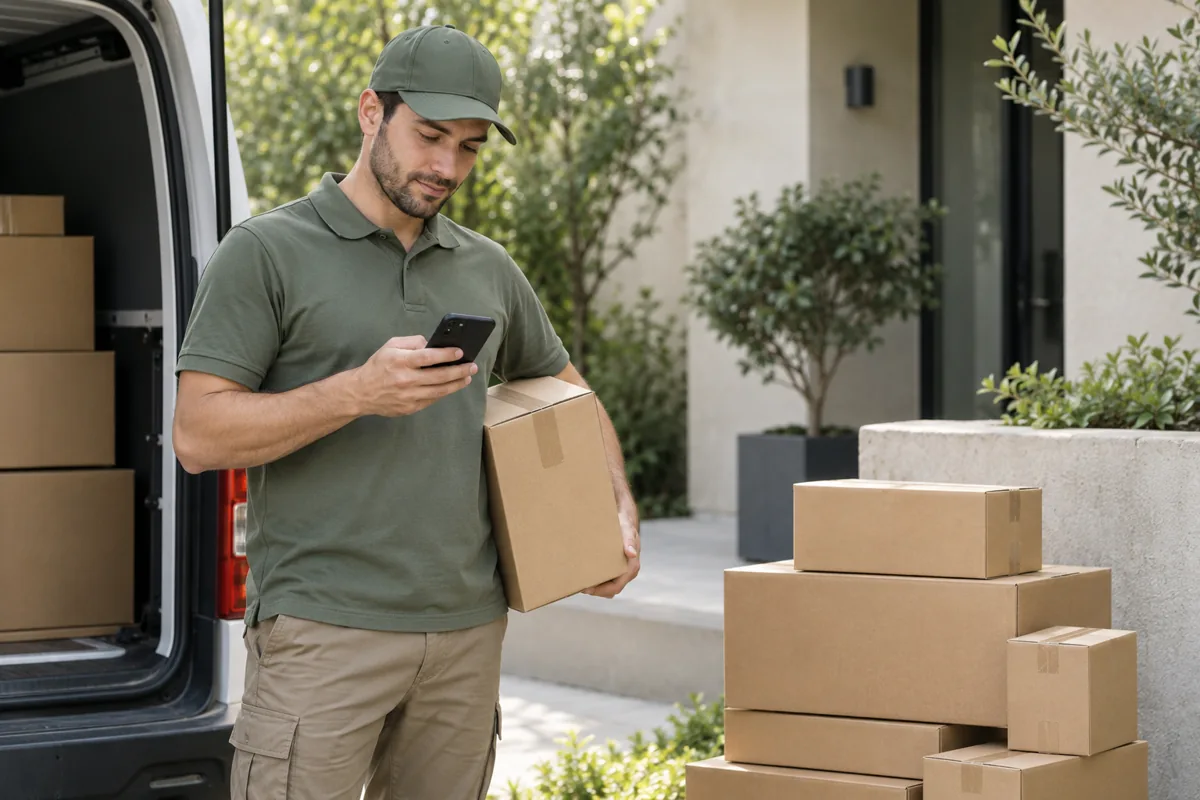 AI-generated scenario illustration
The problem
Customers need to know when to expect a courier. Promising an exact arrival time while routes are changing can create false expectations and extra calls.
Build the solution
Have the delivery system supply a confirmed time window. Send the date, delivery interval and a contact number from the relevant team’s phone. If the interval changes, create a new update event rather than resending the old text.
Check before launch
Check time zones, date formatting and missing time windows. Avoid unnecessary parcel contents or personal information in the message.
How SIM Bridge works
Your backend creates a job through the API, and the connected Android sends SMS through your SIM. Store the message ID in your system and receive status changes through a webhook. A queued job is not yet a sent message: the phone must be available and the carrier must accept it.
Start with your own test number. Check Android permissions, screen-off connectivity, retries with the same Idempotency-Key, and unknown-status handling. Keep API keys out of browser code and public repositories.